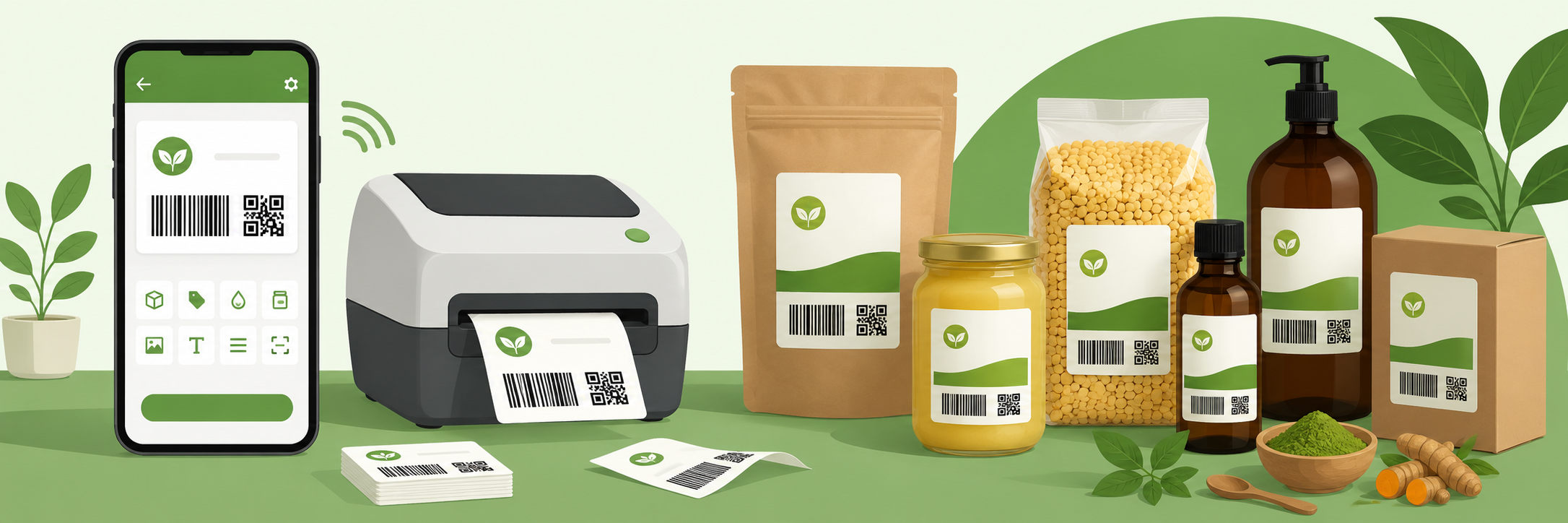
Kisi bhi product pe label lagana sirf ek sticker nahi hai — yeh aapki brand ki pehchaan hai. Ek sahi label pe product ka naam, price, manufacture date, expiry date, aur barcode hota hai. Bade brands ke labels professional lagte hain kyunki unpe yeh sab clearly likha hota hai. Lekin kya chhote business owners ke liye professional labels banana mushkil hai? Bilkul nahi — agar sahi tool ho toh 2 minute ka kaam hai.
Product Label Pe Kya Likhna Zaroori Hai?
India mein packaged products ke liye Legal Metrology Act ke under kuch minimum information zaroori hai. Yeh items hain:
- Product ka naam aur description
- Manufacturer ya packer ka naam aur pata
- Net quantity (weight, volume ya count)
- Manufacture date ya pack date
- Best before ya expiry date (agar applicable ho)
- MRP (Maximum Retail Price) taxes inclusive
- Batch number ya lot number
Barcode Kya Hai aur Kyun Chahiye?
Barcode woh kali lakiron wala symbol hai jo scanner se read hota hai. Supermarkets mein jab cashier item scan karta hai toh woh barcode read kar raha hota hai. Barcode ek unique number represent karta hai jise SKU (Stock Keeping Unit) kehte hain.
Chhote business ke liye barcode ka fayda yeh hai:
- Billing fast hoti hai — manually type nahi karna padta
- Stock count aur audit aasaan hota hai
- Galti kam hoti hai
- Professional dikhta hai
QR Code Label Pe Kyun Lagate Hain?
QR code ek advanced barcode hai jisme zyada information store ho sakti hai — especially URLs. Agar aapke product ke label pe QR code hai toh customer phone se scan karke seedha aapki website, WhatsApp, ya online shop pe aa sakta hai.
QR code ke practical uses:
- Apni website ya online catalog ka link
- WhatsApp pe message karne ka link
- Instagram ya Facebook page ka link
- Product ki extra information ka link
- Customer feedback form ka link
Agar aapke paas koi online presence nahi hai toh QR code optional hai — label bina QR code ke bhi bilkul theek kaam karta hai.
Step by Step: Label Kaise Banayein
Step 1: Label Generator Kholo
JENTI Tools mein Label section pe click karo ya neeche navigation se Label select karo.
Step 2: Product Details Bharo
Yeh fields bharo:
- Product Name — zaroori hai
- Price — zaroori hai (sirf numbers daloge toh Rs. automatically lagega)
- Company/Brand — optional lekin professional dikhta hai
- Batch/SKU — agar hai toh daalo, nahi toh automatic generate hoga
- Manufacture Date — today ki date default aati hai
- Expiry Date — agar product expire hota hai toh daalo
- QR Link — apni website ya WhatsApp link
Step 3: Design Customize Karo
Label color choose karo — brand ke colour se match karo. Size choose karo: chhota (160px), medium (205px), ya bada (260px). Kitne labels chahiye — 1 se 12 tak choose kar sakte ho.
Step 4: Generate aur Download
"Generate Labels" dabao. Preview aayega. Satisfy ho toh "Download PNG" karo — 350 DPI quality mein download hoga jo direct print ke liye ready hai.
Label Size Kaise Choose Karein?
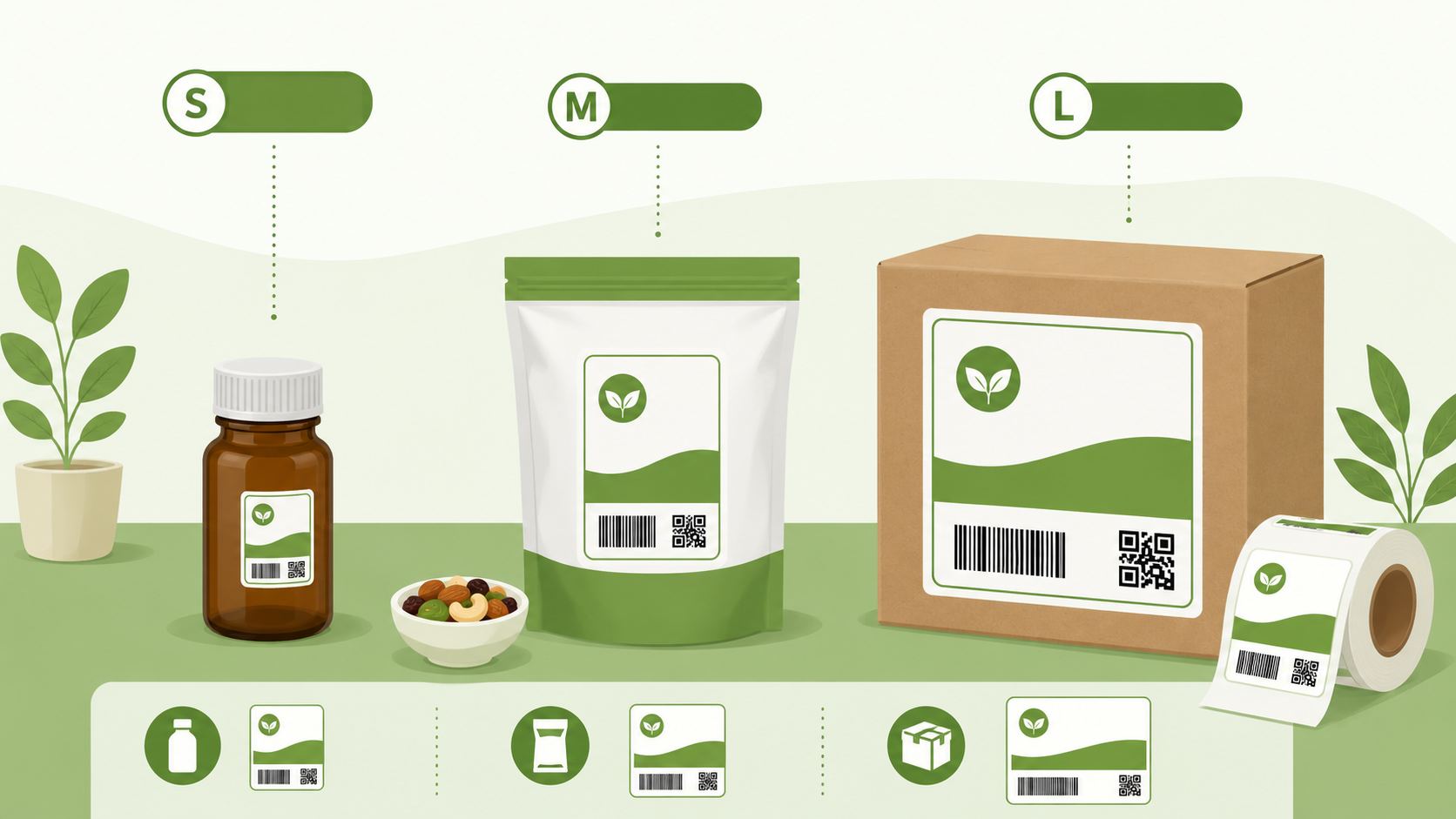
Label size product ke size aur information ki quantity pe depend karta hai:
- Chhota (160px): Small products jaise medicines, small food packets, stationery items
- Medium (205px): Most products ke liye best — general use
- Bada (260px): Boxes, large containers, detailed information wale products
Agar unsure ho toh medium se shuru karo. Print karke dekho — agar zyada chhota ya bada lage toh change karo.
Label Color Ka Importance
Label color sirf decoration nahi hai — yeh brand recognition hai. Kuch tips:
- Apne brand ka main colour use karo agar hai
- Dark background pe light text aur light background pe dark text better readable hota hai
- Food products ke liye green ya natural colours trust badhate hain
- Electronics ke liye blue ya silver professional lagta hai
- Default black color sabse safe aur professional hai
Common Galtiyan jo Logo Karte Hain
- Price galat daalna: Ek baar print hone ke baad change karna mushkil hai. Price confirm karke daalo.
- Expiry date nahi daalna: Food items pe yeh legal requirement hai.
- Low resolution print: JENTI Tools 350 DPI pe download karta hai — isse print sharp aata hai. Lekin agar image resize karoge toh quality kharab ho sakti hai.
- Brand naam nahi likhna: Har label pe aapka brand naam hona chahiye — yeh free marketing hai.
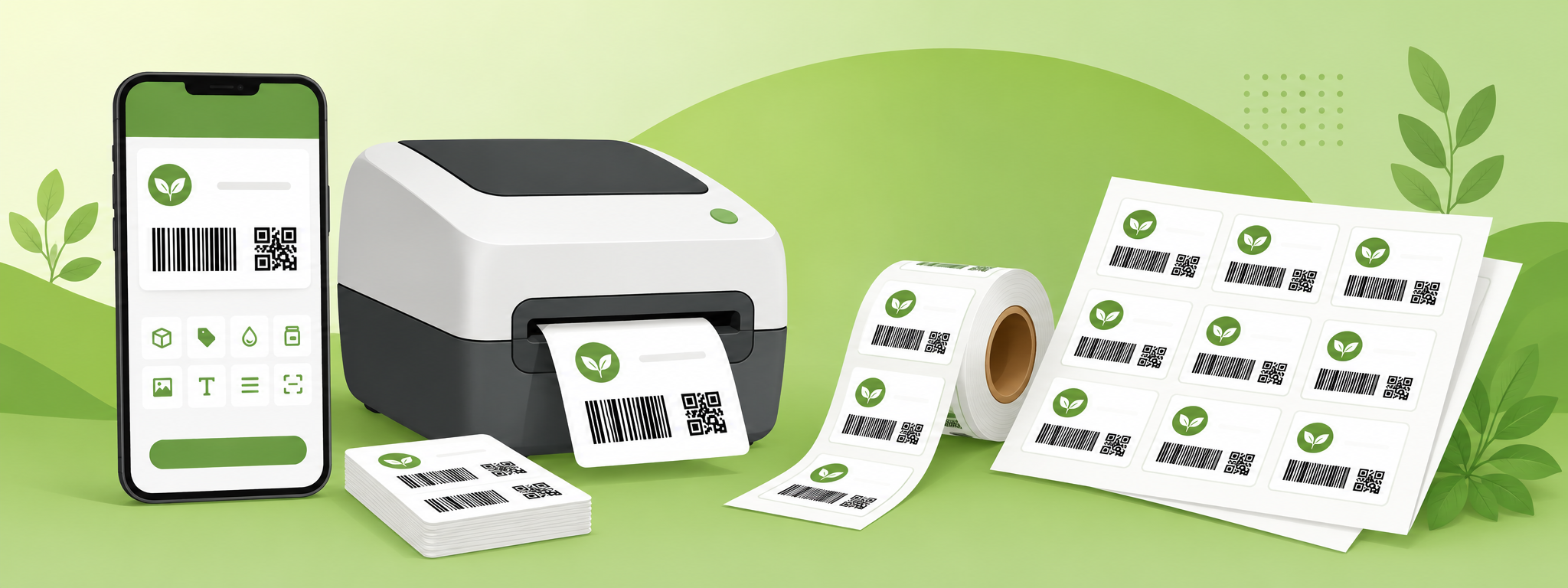
Free Mein Professional Labels Banao
Barcode aur QR code ke saath — bilkul free
Label Generator KholoSawaal Jawab
Kya yeh labels officially valid hain?
JENTI Tools ke labels professionally dikhte hain lekin official product certification ke liye relevant authorities se approval zaroori hai. Daily business use, retail selling, aur branding ke liye yeh bilkul suitable hain.
Ek baar mein kitne labels print ho sakte hain?
Ek baar mein 12 labels download ho sakte hain ek PNG file mein. Zyada chahiye toh dobara generate karo.
Barcode scanner se scan hoga?
Haan, CODE128 format barcode generate hota hai jo standard barcode scanners se scan hota hai.